- MCP servers: the agent can use tools from your databases, issue trackers and other services. You approve a project's servers once, and each tool call as it happens. Set it up.
- Project rules: put an
AGENTS.mdfile in your project's main folder, and Tsedal follows it in Agent and Ask. Learn more.
MCP servers and project rules in VS Code
MCP servers: the agent can use tools from your databases, issue trackers and other services. You approve a project's servers once, and each tool call as it…

More from the blog
All posts Web search, answer ratings, and more in Eclipse and Visual Studio
Web search: the agent can look up current documentation, release notes or an error message, and reads a page only after you allow it. In VS Code, type /web to…
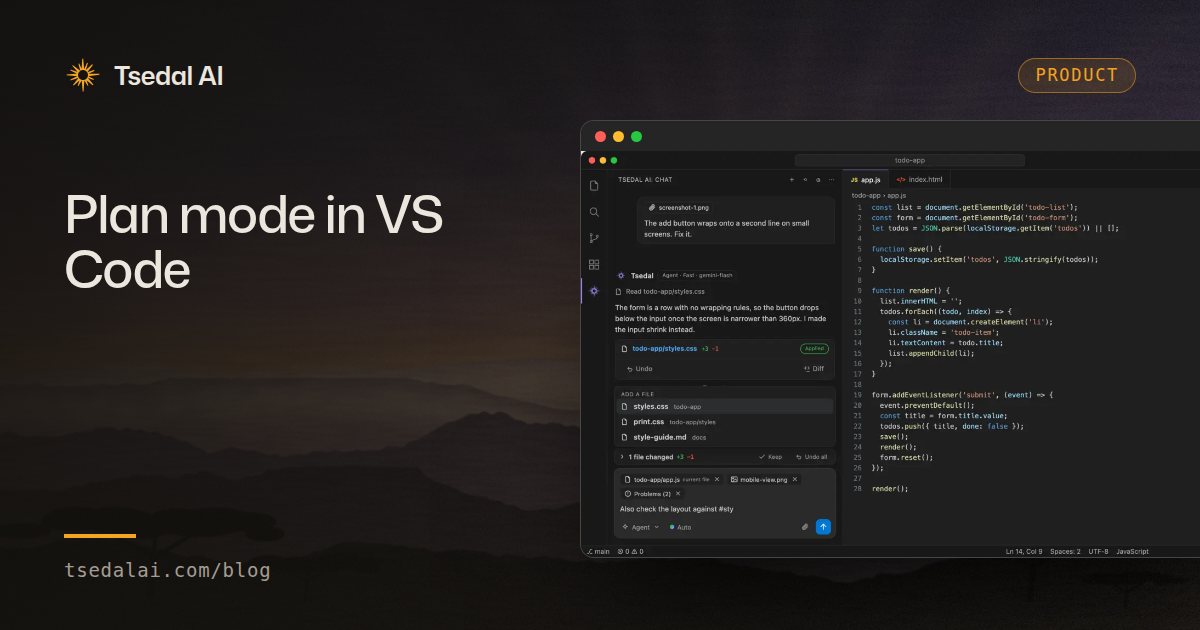 Plan mode in VS Code
Plan mode: Tsedal studies your project and writes a step-by-step plan, with the files, steps, risks and how to verify, without changing anything. It asks…
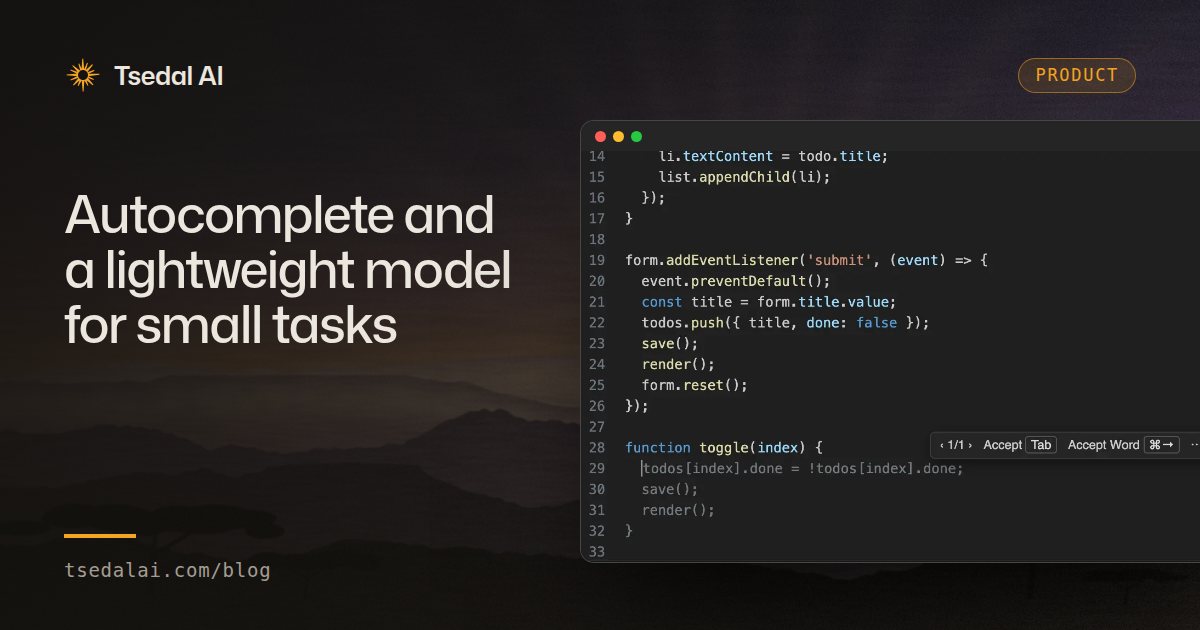 Autocomplete and a lightweight model for small tasks
Fill-in-the-middle autocomplete that reads the code before and after your cursor. Commit messages, docstrings and renames are handled by a fast, lightweight…